README
GEOJSON and PBF tiles rendering
This repository implements a solution to convert GEOJSON data into PBF vector tiles and then render them within a CesiumJS 3D map.
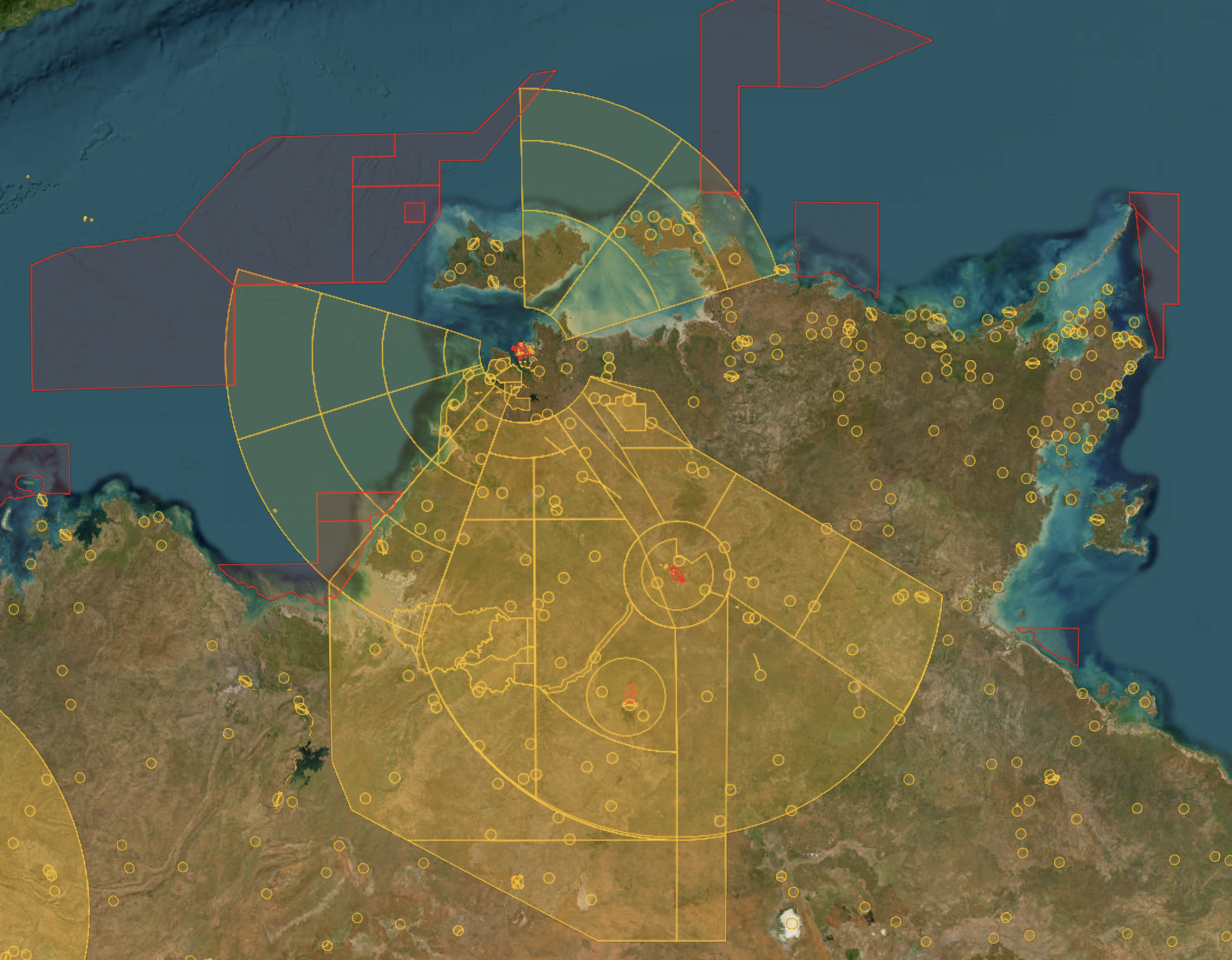
Thank to 練氣士 hongfaqiu for the MVTImageryProvider package, which have greatly assisted me in building this solution.
Getting Started
To upload the vector GEOJSON, you have the option to utilize the Mapbox Vector tilesets service. Alternatively, if you already have the vector tiles in a zxy directory, you will need to upload them to a static hosting platform like AWS S3. If you don't have the vector tiles yet, please follow the steps below to generate the PBF vector tiles from a GEOJSON file.
Clone the TerriaJS/boundary-tiles repository onto your local machine. Once the cloning process is complete, proceed to install the necessary dependencies:
$ git clone git@github.com:TerriaJS/boundary-tiles.git
Convert GeoJSON to ndjson:
$ export INPUT_GEOJSON_PATH=./input.geojson
$ export BOUNDARY_TYPE=demo_shape
$ mkdir geojson
$ pnpm run geojson2ndjson $INPUT_GEOJSON_PATH > ./geojson/$BOUNDARY_TYPE.nd.json
Generate mbtiles/$BOUNDARY_TYPE/{z}/{x}/{y}.pbf from the FID-enriched GeoJSON file:
$ pnpm gulp makeVectorTiles
Upload all the generated tiles to a static hosting platform or utilize the http-server for local testing purposes.
There is an alternative way for generating the PBF tiles here: https://qiita.com/T-ubu/items/b112ec739a99f92f32dd.
Usage
Create a map style:
Create a style.json and tiles.json file following the example files provided style.json.example and tiles.json.example from this repository or you can use the demotiles from maplibre below:
- Style: https://demotiles.maplibre.org/style.json
- Tileset: https://demotiles.maplibre.org/tiles/tiles.json
Please refer to the following Github repository for more details: https://github.com/maplibre/demotiles
CesiumJS map integration
import * as Cesium from 'cesium'
import MVTImageryProvider from 'mvt-imagery-provider'

const cesiumViewer = new Cesium.Viewer('cesiumContainer')

const provider = await MVTImageryProvider.fromUrl('/style.json', {
  accessToken: MAPBOX_TOKEN,
})

cesiumViewer.imageryLayers.addImageryProvider(provider)
You can also use the New keyword to create a new MVTImageryProvider, which was deprecated after cesium@1.104+
const provider = new MVTImageryProvider({
  style: STYLE_URL,
})
provider.readyPromise.then(() => {
  cesiumViewer.imageryLayers.addImageryProvider(provider)
})
Please refer to the file index.html that I made the tile rendering demo in CesiumJS. You may need to run the following command to start the demo server:
$ pnpm run dev
Credit
https://github.com/halay08/cesium-geojson-pbf-tiling.
Whether you have any issue or feature request, please feel free to open an issue or contact me via the email halay08@gmail.com.