README
erdblick 🌍
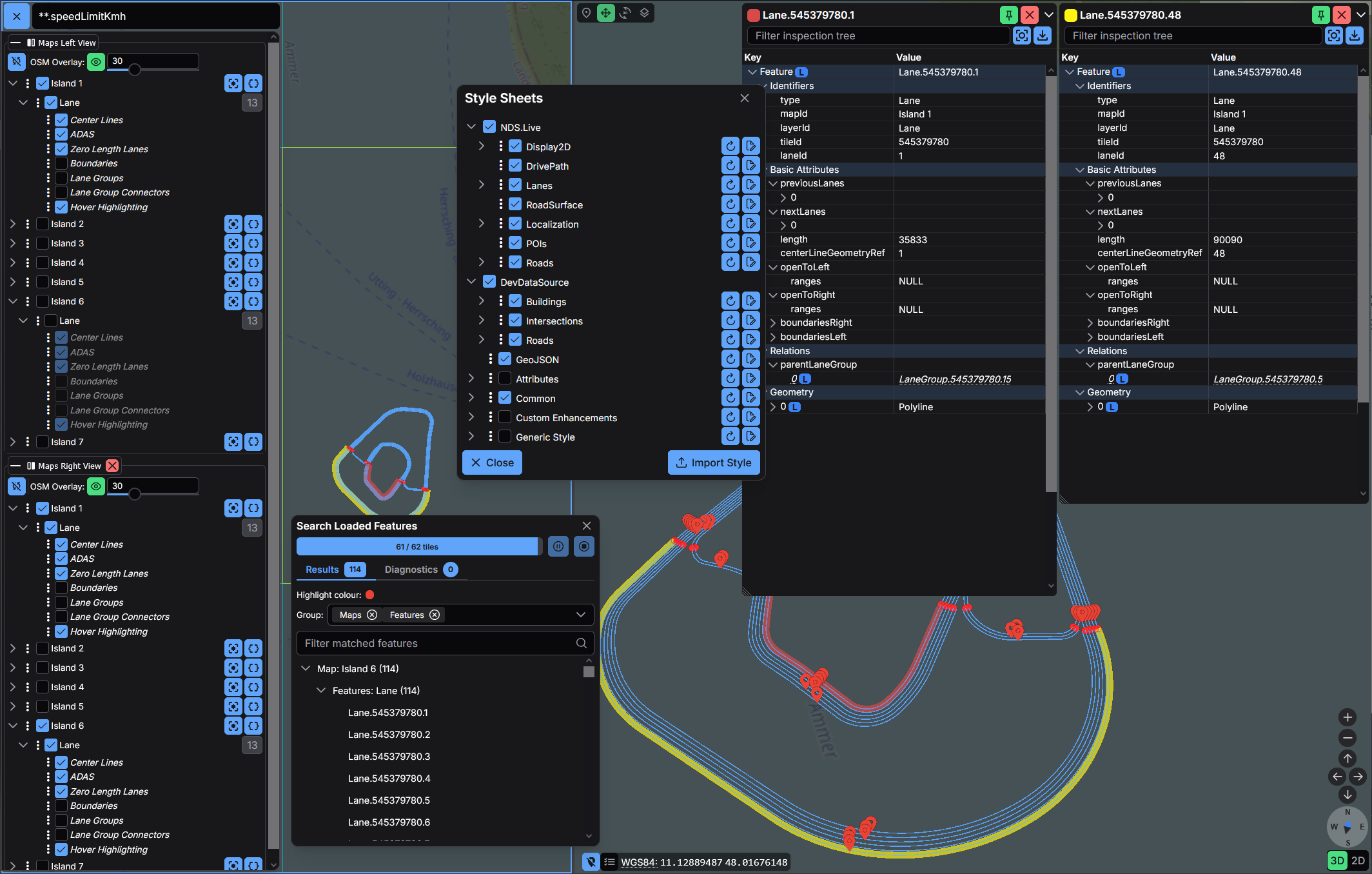
erdblick is a Cesium-based map UI that connects to mapget servers, renders NDS.Live and GeoJSON tiles, and exposes live style editing plus advanced inspection tools. MapViewer ships with erdblick pre-integrated, but the UI also runs as a standalone bundle.
Documentation
- Erdblick User Guide – setup, UI basics, search, inspection, split view, troubleshooting, and more.
- Erdblick Development Guide – architecture overview, build instructions, tile/rendering pipelines, and debugging tips.
Those documents now host the detailed instructions that previously lived in this README. Use them as a sitemap when contributing.
Build Modes
| Mode | Description |
|---|---|
| Full | Default build that includes maps/layers panel, style editor, search, inspector, and diagnostics. |
| Visualization-only | Lightweight bundle for kiosks or embeds. Only the canvas renders; configuration is provided via URL parameters or config.json. |
Select a mode when running ./build-ui.bash <output-folder> [visualization-only]. Integrations such as the MapViewer container use the ERDBLICK_VARIANT environment variable to pick the variant they embed. The Setup Guide documents both workflows.
Quick Start
pip install mapget
./build-ui.bash ~/tmp/erdblick-dist
mapget serve -w ~/tmp/erdblick-dist
Open the printed localhost URL, then configure your mapget backend (via its YAML config or management API) so /sources advertises the maps you need. Products such as MapViewer already ship with a prebuilt erdblick bundle under /app/erdblick, so those users can skip the build step entirely.
Integration Tests
Browser-based integration tests are implemented with Playwright and assume that the Emscripten build
has completed successfully (so the WASM core and static/browser bundle are available).
To run them locally:
./ci/10_linux_build.bash             # build core + UI
npm install                          # install dev dependencies (incl. Playwright)
npx playwright install --with-deps   # install Playwright browsers (once)
pip install mapget                   # install the latest mapget package
./ci/run-integration-with-venv-mapget.sh  # runs tests in playwright/tests using mapget serve
The Playwright harness will start mapget --config test/mapget-integration.yaml serve --allow-post-config --port 9000 --cache-type none --webapp /:static/browser automatically;
ensure a mapget binary is available on your PATH (or set MAPGET_BIN to override the executable path).
The default integration setup uses the Python example datasource from the vendored mapget repo
(build/_deps/mapget-src/examples/python/datasource.py) via a DataSourceProcess entry in
test/mapget-integration.yaml. If this Python datasource cannot be started (for example, the
mapget Python package is missing), /sources may be empty and datasource-dependent tests will be
reported as skipped while generic backend and debug-tile tests still run.
Styling System
- Styles live in
config/styles/*.yamland can be edited inside the UI. - The rules reference Simfil expressions (
color-expression,filter, etc.) and can target features, relations, or attribute geometries. - Import/export buttons store styles in browser
localStoragefor quick experimentation.
Read the Style System Guide for the complete YAML reference and GUI walkthrough.