README
Unity3D-Globe
Unity3D Implementation for Chrome Experiment WebGL Globe
Try a Live Demo
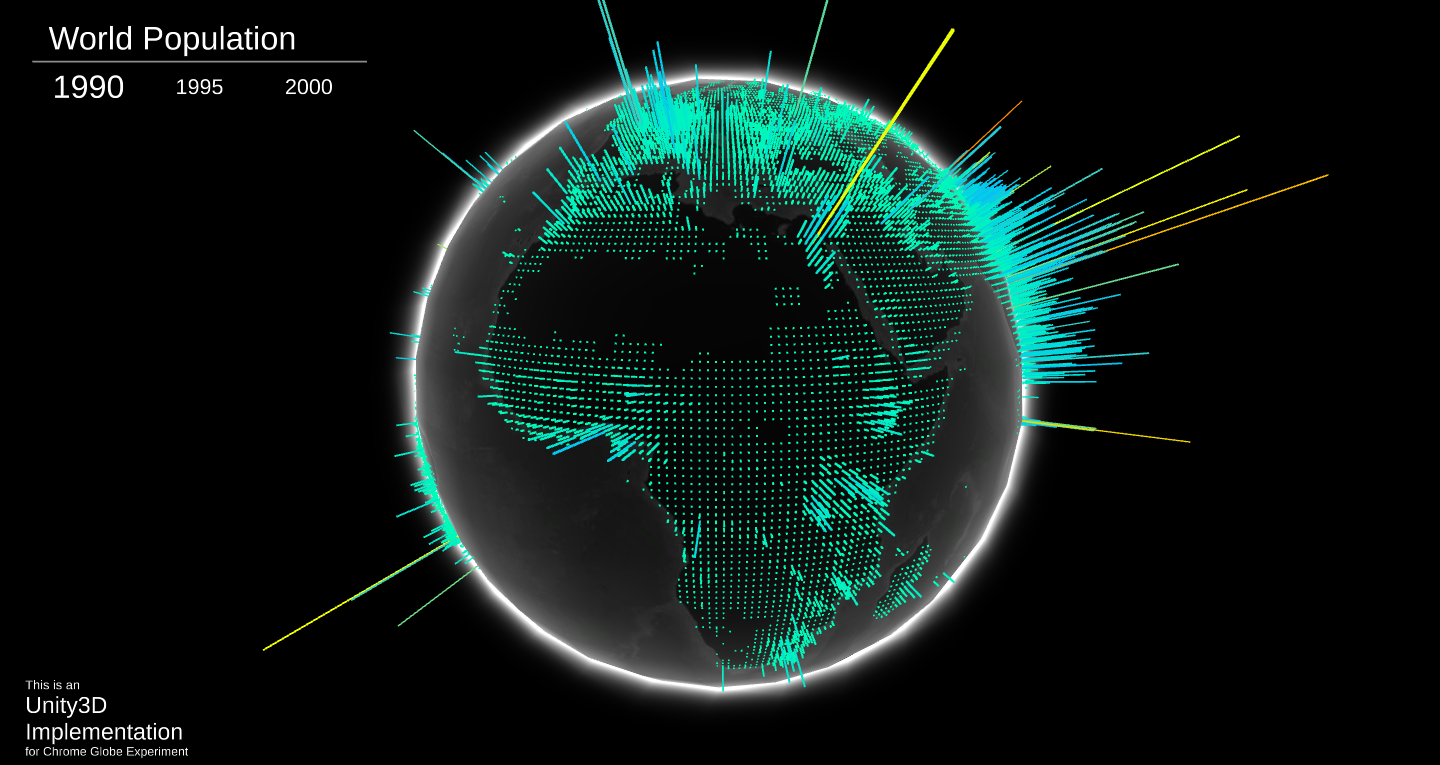
Unity3D-Globe is a complete project in which you can use to add your own data and create your globe.
Change Data Source
The default DataLoader loads a JSON file from Resources folder, the loader expect JSON in the following format:
{
  "AllData": [
    {
      "Year": "1990",
      "Data": latitude, longitude, magnitude, latitude, longitude, magnitude, ...]
    },
    {
      "Year": "2000",
      "Data": latitude, longitude, magnitude, latitude, longitude, magnitude, ...]
    }
  ]
}
You can change the structure of the JSON file or even the data source as required and implement your own DataLoader.
Visualize Your Data
- To visualize your data you'll need to have a GameObject with
DataVisualizercomponent attached to it DataVisualizerneeds a reference to the following elements:
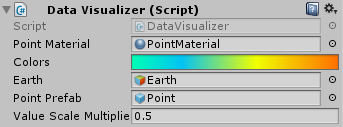
- PointMaterial: this is a material used for the points mesh, this material should be able to use the vertex color data to set the final color of the vertex, there is a material created for this purpose under the materials folder which use a custom shader written for this purpose
- Colors: a gradient to be used to assign each data point a color according to its value
- Earth: the earth object in the scene.
- Point Prefab: a prefab to the point which will be placed for each data value
- After loading the data wrap it in array of
SeriesData, theSeriesDatais just a class that has a name andfloatarray, thefloatarray represent the series data in the following order [latitude, longitude, magnitude, latitude, longitude, magnitude, ...] - Call the
CreateMeshesfunction from yourDataVisualizerand send it the series array that you have just created - To switch the shown series just call
ActivateSeriesfunction on visualizer and send it the index of the series that you need to show.