README






Mayo the opensource 3D CAD viewer and converter
:eyeglasses: Overview
-
Convert 3D files
Mayo can read/write 3D files from/to STEP, IGES, STL and many other CAD formats -
Visualize 3D files
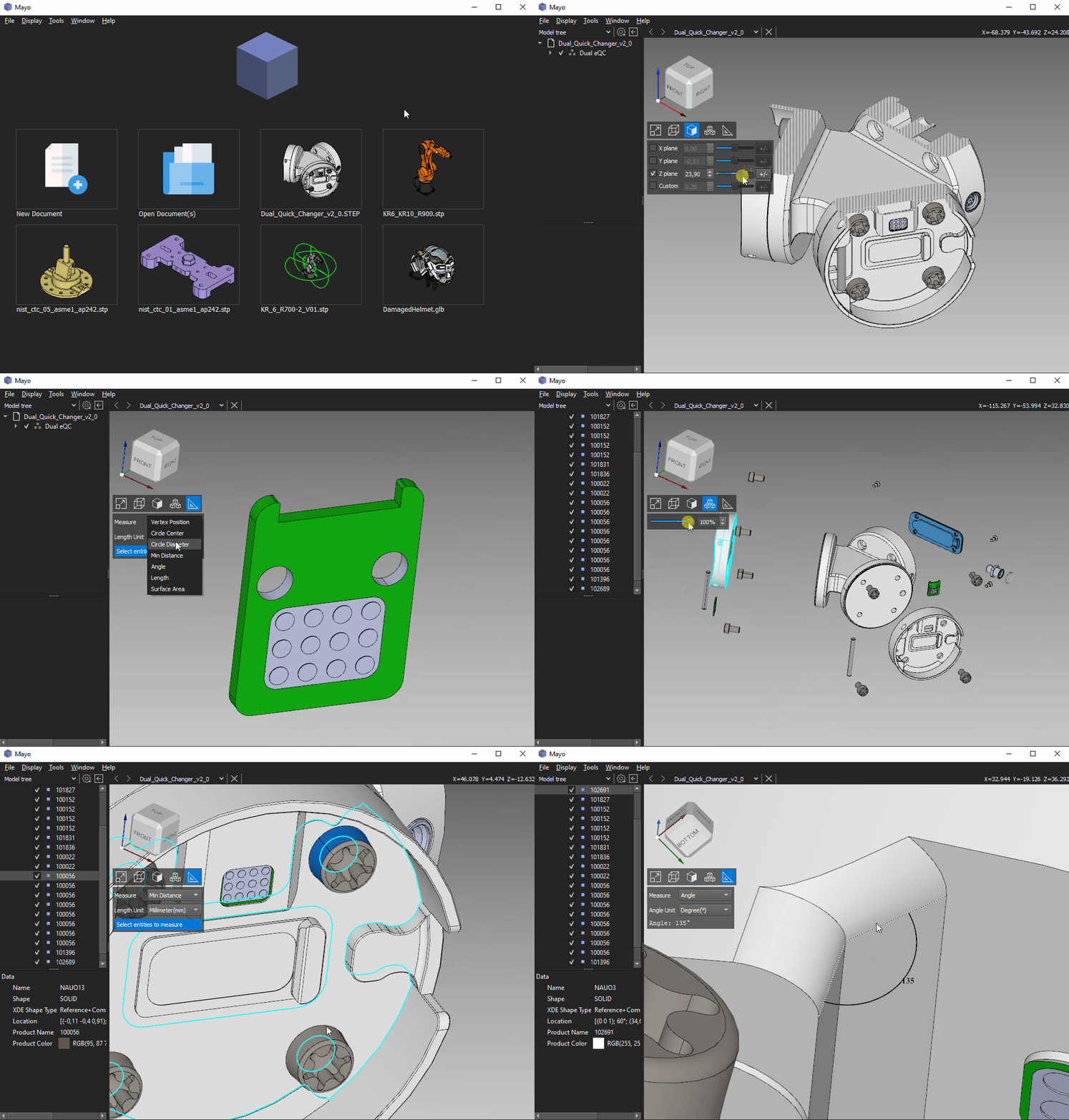
Mayo 3D viewer supports clip planes, exploding of assemblies, measurement of shapes, show/hide parts, ... -
Cross platform
Mayo runs on Windows, Linux and macOS -
Solid foundations
Mayo is developed in modern C++ with Qt and OpenCascade
For more details have a look at this fine review Introducing Mayo by Libre Arts
There's also a complete video on YouTube
:zap: Features
-
3D clip planes with configurable capping
-
3D exploding of the model tree allowing better exploration of complex designs
-
3D measure tools for circles, angles, lengths, areas, bounding box, ...
-
3D view cube providing intuitive camera manipulation
-
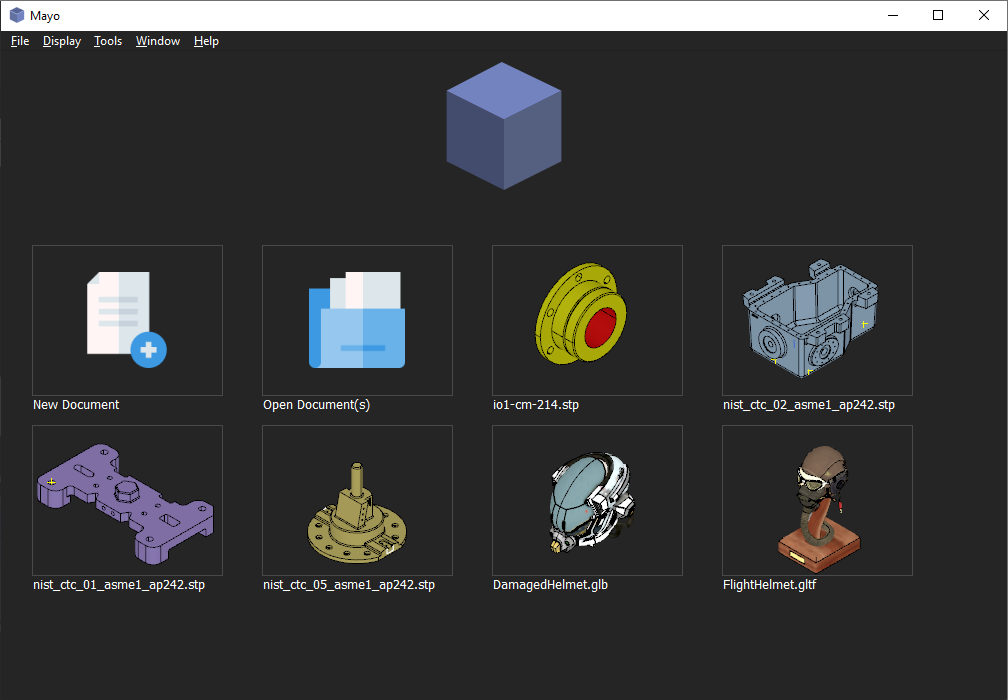
Quick access to CAD files recently open thanks to thumbnails in the Home page
-
Toggle item visibility within the Model tree(use checkbox)
-
Customizable mesh precision for BREP shapes, affecting visualization quality and conversion into mesh formats
-
Convert files to multiple CAD formats from command-line interface:computer:


:floppy_disk: Supported formats
| Format | Import | Export | Notes |
|---|---|---|---|
| STEP | :white_check_mark: | :white_check_mark: | AP203, 214, 242 |
| IGES | :white_check_mark: | :white_check_mark: | v5.3 |
| BREP | :white_check_mark: | :white_check_mark: | OpenCascade format |
| DXF | :white_check_mark: | :x: | |
| OBJ | :white_check_mark: | :white_check_mark: | |
| glTF | :white_check_mark: | :white_check_mark: | 1.0, 2.0 and GLB |
| VRML | :white_check_mark: | :white_check_mark: | v2.0 UTF8 |
| STL | :white_check_mark: | :white_check_mark: | ASCII/binary |
| AMF | :white_check_mark: | :white_check_mark: | v1.2 Text/ZIP(export) |
| PLY | :white_check_mark: | :white_check_mark: | ASCII/binary |
| OFF | :white_check_mark: | :white_check_mark: | |
| 3MF | :white_check_mark: | :x: | |
| 3DS | :white_check_mark: | :x: | |
| FBX | :white_check_mark: | :x: | |
| Collada | :white_check_mark: | :x: | |
| X3D | :white_check_mark: | :x: | |
| X(DirectX) | :white_check_mark: | :x: | |
| Image | :x: | :white_check_mark: | PNG, JPEG, ... |
See also this dedicated wikipage for more details
:mag: 3D viewer operations
| Operation | Mouse/Keyboard controls |
|---|---|
| Rotate | mouseLeft + move |
| Pan | mouseRight + move |
| Zoom | mouseLeft + mouseRight + move |
| Zoom +/- | mouseWheel(scroll) |
| Window zoom | CTRL + mouseLeft + move |
| Instant zoom | spaceBar |
| Select Object | mouseLeft click |
| Select Objects | SHIFT + mouseLeft clicks |
Mayo supports also multiple 3D viewer navigation styles to mimic common CAD applications(CATIA, SOLIDWORKS, ...)
:package: Install
Release packages are available for Windows and Linux on the Releases page.
Alternatives for Windows:
winget install --id Fougue.Mayo
scoop bucket add extras
scoop install extras/mayo
:hammer: How to build
Instructions for Windows
Instructions for Linux
Instructions for macOS
:clapper: Gallery
Easy to use command-line utility for batch conversion of CAD files

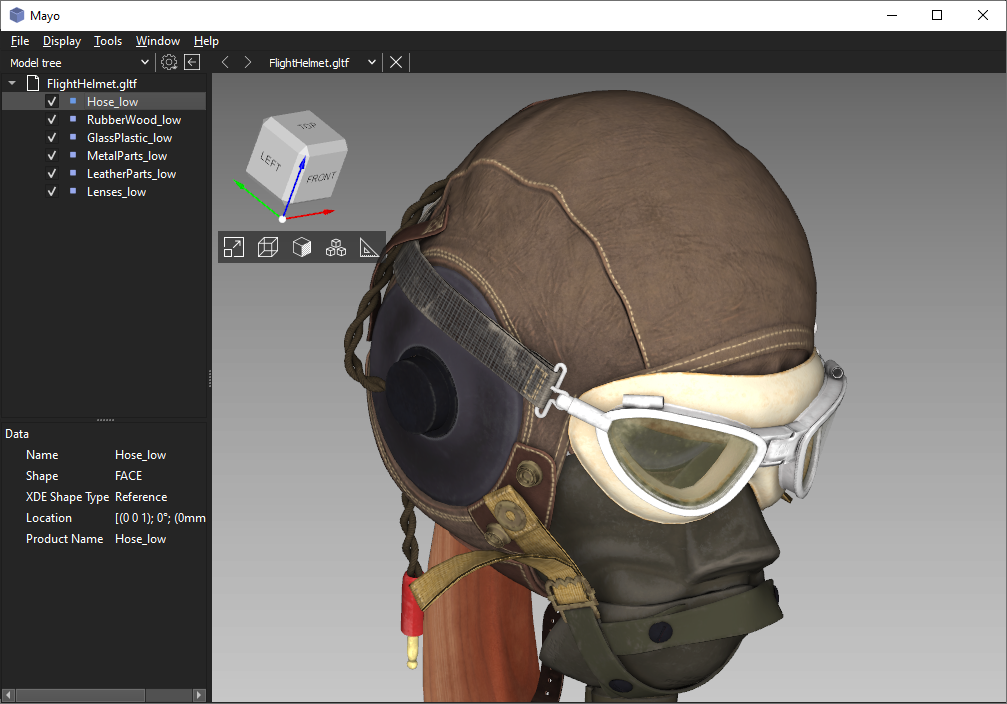
Import of glTF file with textures
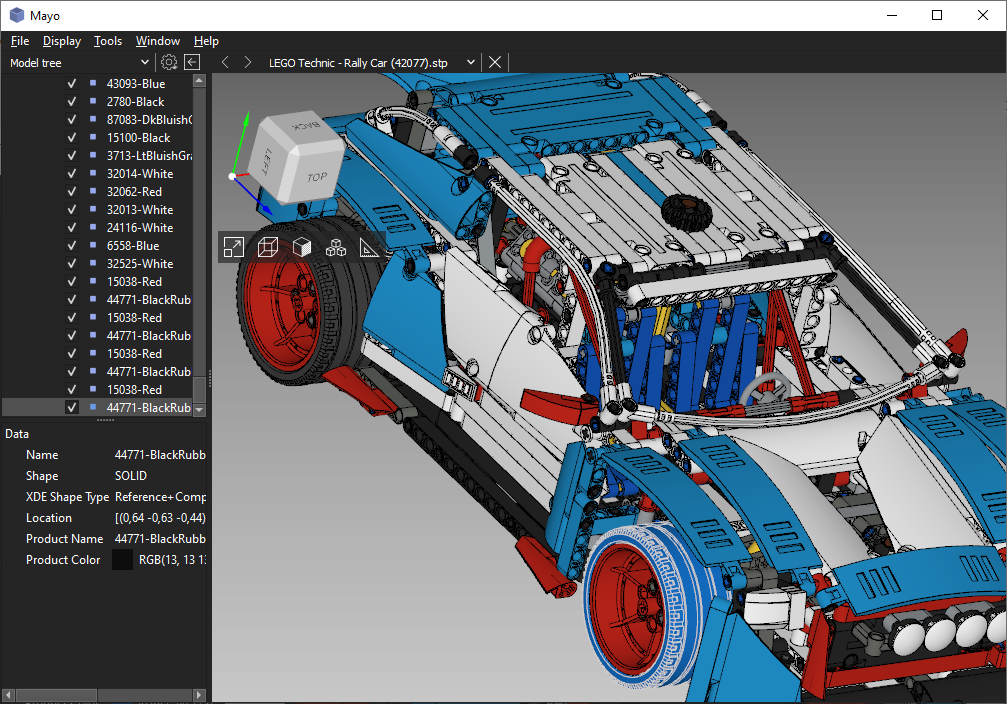
Import of STEP file with many parts
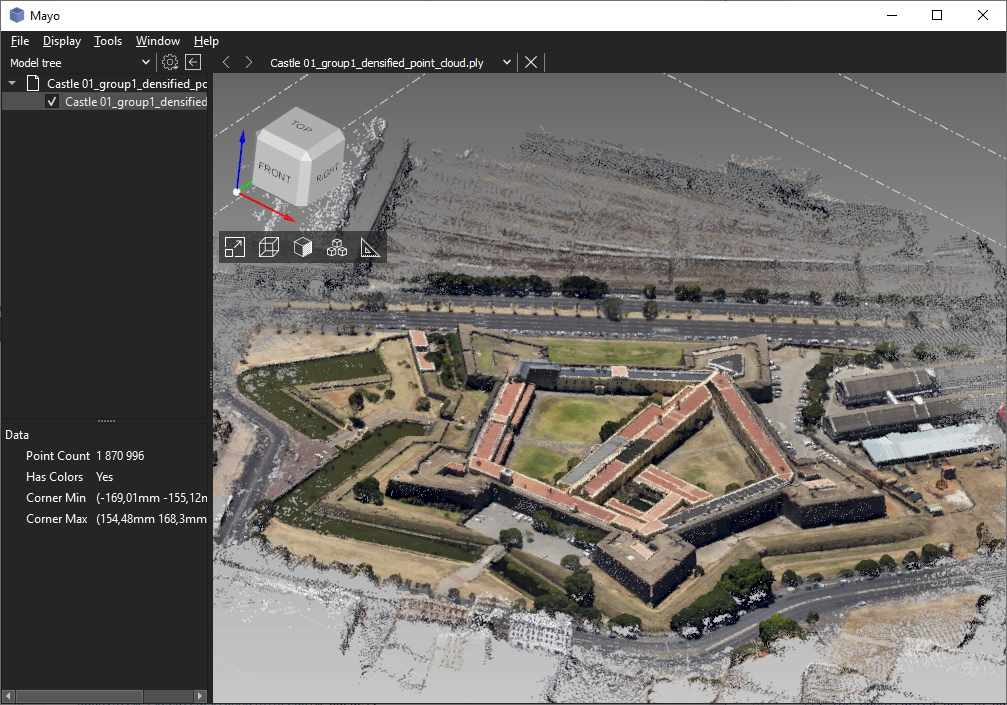
Import of PLY file defining point cloud
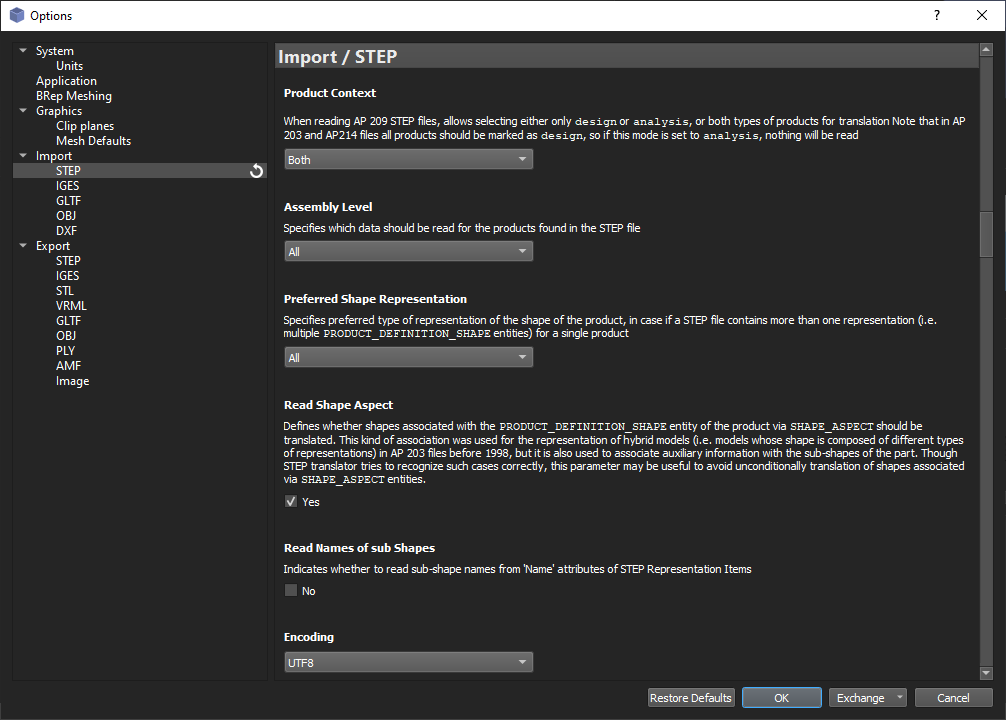
Options dialog with import/export configuration per CAD format
Home page with quick access to recent files