README
viber3d
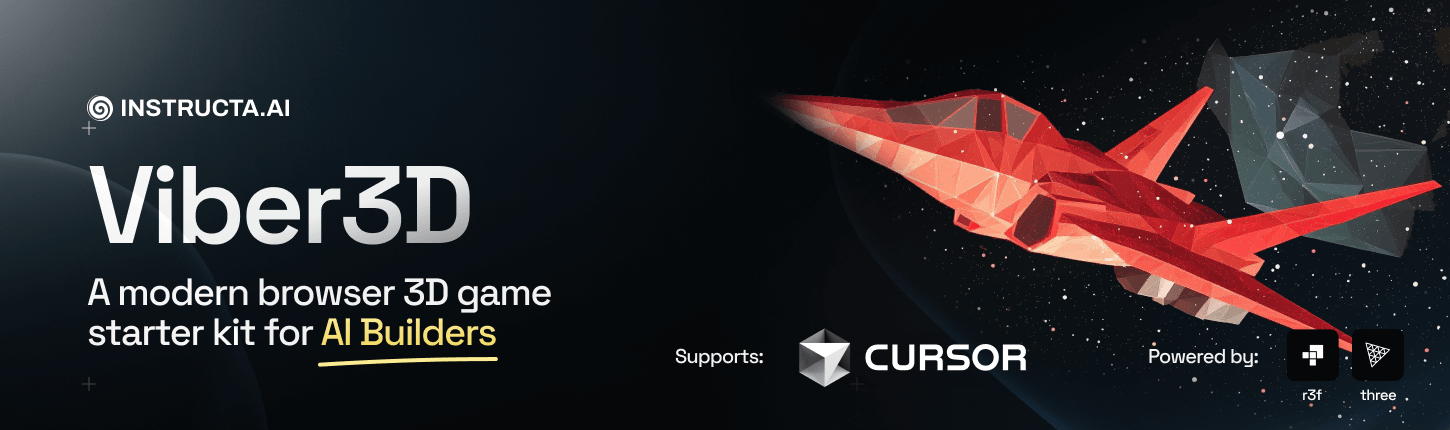


viber3D - a modern starter kit for 3D browser games.
Features
- 🔥 React 19 - Latest React features including concurrent rendering
- 🎮 React Three Fiber - Declarative Three.js in React
- 🧰 Drei - Useful helpers for React Three Fiber
- 🏎️ Vite - Lightning-fast development server and build tool
- 🎨 TailwindCSS - Utility-first CSS framework
- 📱 Responsive Design - Works on all devices
- 🧠 State Management - Zustand for simple state management
- 🔋 Physics - React Three Rapier for physics simulations
- 📏 TypeScript - Type safety for your project
- 🤖 Cursor AI Integration - Predefined
.cursor/rulesfor enhanced AI assistance - 🧩 Entity Component System - Flexible and performant game architecture via koota library
Demo
Try out Viber3D with our live demo: viber3d-spacewars.kevinkern.dev
Getting Started
Prerequisites
- Install Node.js
- A package manager (pnpm, npm, yarn, bun)
Quick Install
- Create a new viber3d project:
npx viber3d@latest init
-
Open in Cursor
-
Run your project
npm run dev
# or
pnpm run dev
- Open your browser and visit
http://localhost:5173to see your app in action 🥳
Publish
- Build your project
npm run build
- Deploy on a live server! 🌎
Documentation
viber3D comes with comprehensive documentation to help you get started:
- Core Concepts - Learn about the fundamental architecture and patterns
- ECS Overview - Detailed guide to the Entity Component System architecture
- Tutorials - Step-by-step guides for common game development tasks
Visit the documentation site to learn more.
AI Code Editor Integration
Cursor AI
viber3d comes with predefined .cursor/rules to enhance your development experience when using Cursor AI:
- Code Style Rules - Ensures AI-generated code follows project conventions
- Component Structure - Guides AI to create components that match the project architecture
- Three.js Best Practices - Helps AI generate optimized 3D code
- Documentation Standards - Ensures consistent documentation in AI-generated code
These rules help maintain code quality and consistency when using AI assistance, making it easier to integrate AI-generated code into your project.
Other
| AI Tool | How to Include Prompts |
|---|---|
| GitHub Copilot | Create a .github/copilot-instructions.md file in your repository's root directory and add natural language instructions in Markdown format. These instructions will guide Copilot's behavior across your project. More information is available in the GitHub Copilot documentation. |
| Windsurf | Add a .windsurfrules file into the project root. Windsurf Getting Started Guide. |
| Cline | 1. Click Cline extension settings 2. Find "Custom Instructions" field 3. Add your instructions Cline GitHub repository. |
CLI Options
npx viber3d@latest [project-name] [options]

Options:
  --cwd, -c             The working directory. Defaults to the current directory
  --name                Project name
  --force, -f           Override existing directory
  --install             Skip installing dependencies (default: true)
  --gitInit             Initialize git repository
  --packageManager      Package manager choice (npm, pnpm, yarn)
  --yes, -y             Skip confirmation prompt (default: false)
  --defaults, -d        Use default configuration (default: false)
  --silent, -s          Mute output (default: false)
  --help, -h            Display help for command
Resources
- React Three Fiber Documentation
- Drei Documentation
- Three.js Documentation
- React Documentation
- Vite Documentation
Contributing
Contributions are welcome! Please feel free to submit a Pull Request.
For detailed contribution guidelines, development workflow, and coding standards, please see our CONTRIBUTE.md document.
Recommended VS Code Extensions
We recommend installing the following VS Code extensions for the best development experience:
- Activitus Bar: Provides a convenient way to start/stop the development server directly from the VS Code activity bar
- ESLint: For code linting
- Prettier: For code formatting
License
This project is licensed under the MIT License - see the LICENSE file for details.
Links
- X/Twitter: @kregenrek
- Bluesky: @kevinkern.dev
Courses
- Learn Cursor AI: Ultimate Cursor Course
- Learn to build software with AI: instructa.ai
See my other projects:
- AI Prompts - Curated AI Prompts for Cursor AI, Cline, Windsurf and Github Copilot
- codefetch - Turn code into Markdown for LLMs with one simple terminal command
- aidex A CLI tool that provides detailed information about AI language models, helping developers choose the right model for their needs.
- codetie - XCode CLI
Credits
Viber3D stands on the shoulders of giants:
- Koota - The ECS library that powers our game architecture
- React Three Fiber - React renderer for Three.js
- Three.js - The core 3D library
- Nuxt & UnJS - Powering our docs + build system
See our full credits page for more details.