README
🕹️ BVHEcctrl
BVHEcctrl is a lightweight, plug-and-play character controller designed for react-three-fiber. It requires no physics engine, and utilizes three-mesh-bvh for highly efficient, triangle-accurate collision detection and response.
🧠 Ideal for web-based 3D experiences such as games, interactive portfolios, and virtual worlds.
📸 Examples
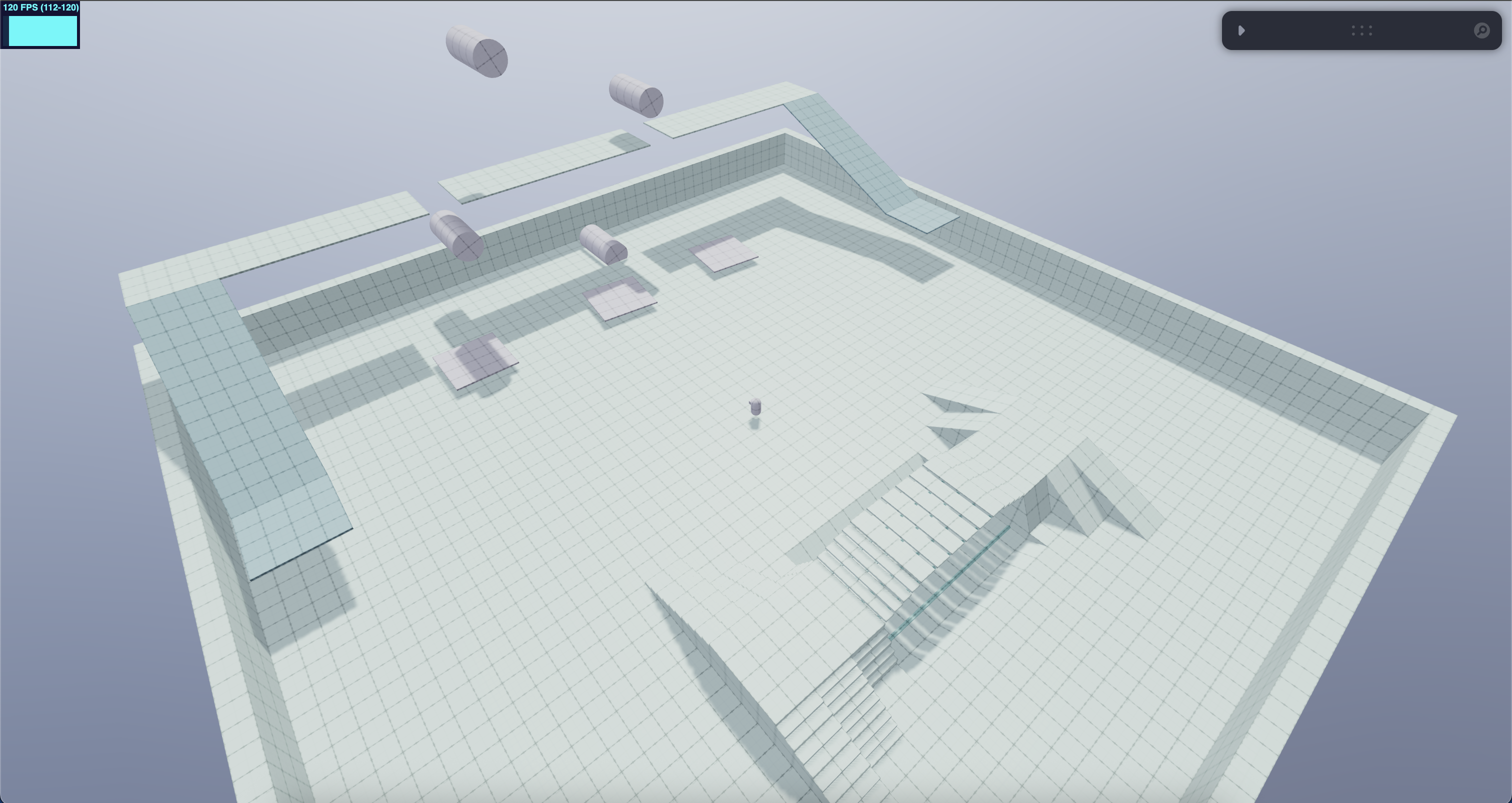
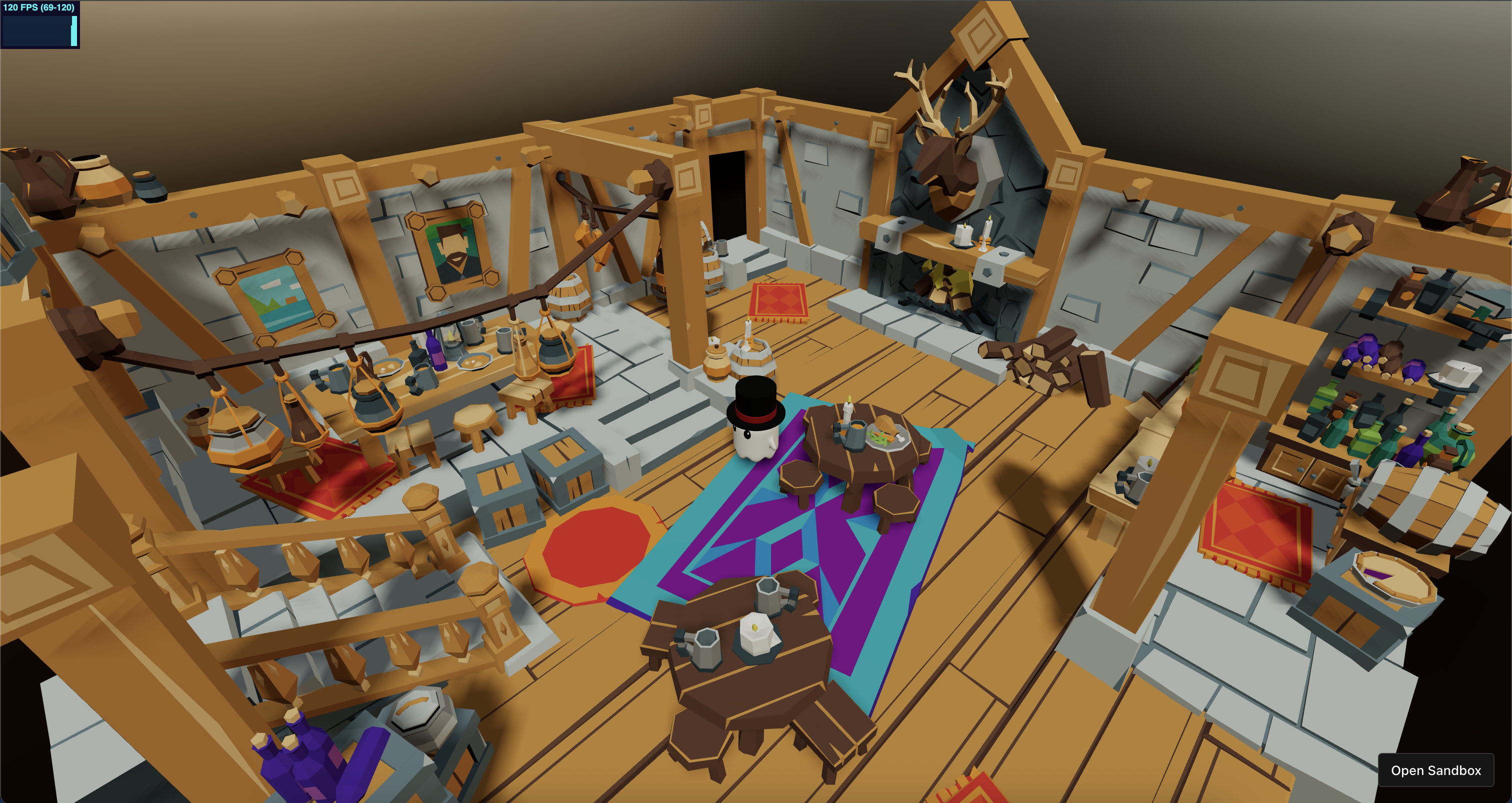
✨ Features
- No physics engine required
- Fast BVH-based collision detection
- Smooth floating capsule movement for stairs, slopes, and uneven surfaces
- Built-in support for:
StaticColliderKinematicColliderInstancedStaticCollider
📦 Installation
npm install bvhecctrl
⚙️ How to Use
Step 1: Setup Keyboard Controls and Character Controller
import BVHEcctrl from "bvhecctrl";
import { KeyboardControls } from "@react-three/drei";

const keyboardMap = [
  { name: "forward", keys: ["ArrowUp", "KeyW"] },
  { name: "backward", keys: ["ArrowDown", "KeyS"] },
  { name: "leftward", keys: ["ArrowLeft", "KeyA"] },
  { name: "rightward", keys: ["ArrowRight", "KeyD"] },
  { name: "jump", keys: ["Space"] },
  { name: "run", keys: ["Shift"] },
];

return (
  <KeyboardControls map={keyboardMap}>
    <BVHEcctrl ref={ecctrlRef}>
      <CharacterModel />
    </BVHEcctrl>
  </KeyboardControls>
);
Step 2: Add Colliders to Your Map
import {
  StaticCollider,
  KinematicCollider,
  InstancedStaticCollider,
} from "bvhecctrl";

useFrame((_, delta) => {
  if (kinematicRef.current) kinematicRef.current.rotation.y += delta;
});

return (
  <>
    <StaticCollider>
      <MapModel />
    </StaticCollider>

    <KinematicCollider ref={kinematicRef}>
      <MapModel />
    </KinematicCollider>

    <InstancedStaticCollider>
      <InstancedMapModel />
    </InstancedStaticCollider>
  </>
);
Step 3: Handle Camera Movement
You can use any camera control system that fits your needs — such as <OrbitControls>, <PointerLockControls>, <CameraControls>, or your own custom setup.
For smooth and flexible control, I highly recommend using <CameraControls> from @react-three/drei. It even offers built-in camera collision support.
Here’s a simple example using <CameraControls> to follow the character:
useFrame(() => {
  camControlRef.current.moveTo(
    ecctrlRef.current.group.position.x,
    ecctrlRef.current.group.position.y + 0.3,
    ecctrlRef.current.group.position.z,
    true
  );
});
🧱 BVHEcctrl Props
| Prop | Type | Default | Description |
|---|---|---|---|
debug | boolean | false | Enables visual debugging. |
colliderCapsuleArgs | [number, number, number, number] | [0.3, 0.6, 4, 8] | Capsule shape: [radius, height, capSegments, radialSegments]. |
paused | boolean | false | Freezes character physics and collision response. |
delay | number | 1.5 | Physics delay after initialization (in seconds). |
gravity | number | 9.81 | World gravity. |
fallGravityFactor | number | 4 | Multiplier to increase falling speed. |
maxFallSpeed | number | 50 | Maximum fall velocity cap. |
mass | number | 1 | Virtual mass, affects float behavior. |
sleepTimeout | number | 10 | Time before character enters sleep state when idle. |
slowMotionFactor | number | 1 | Global time scaling (e.g., 0.5 = half-speed). |
turnSpeed | number | 15 | Turn speed when changing direction. |
maxWalkSpeed | number | 3 | Max speed when walking. |
maxRunSpeed | number | 5 | Max speed when running. |
acceleration | number | 30 | Speed increase per second. |
deceleration | number | 20 | Speed decrease when input is released. |
counterAccFactor | number | 0.5 | Extra acceleration multiplier when changing direction. |
airDragFactor | number | 0.3 | Simulated drag while in air. |
jumpVel | number | 5 | Upward velocity when jumping. |
floatCheckType | "RAYCAST" | "SHAPECAST" | "BOTH" | BOTH | Able to switch between different float check type. |
maxSlope | number | 1 | Max walkable surface slope (in radians). |
floatHeight | number | 0.2 | Desired float height above ground. |
floatPullBackHeight | number | 0.25 | Additional distance below ground used to pull character down. |
floatSensorRadius | number | 0.12 | Radius of the sensor used to sense the ground. |
floatSpringK | number | 600 | Spring constant for floating. |
floatDampingC | number | 28 | Damping factor for float spring (prevents oscillation). |
collisionCheckIteration | number | 3 | Number of collision check per frame. |
collisionPushBackVelocity | number | 3 | Extra velocity applied to resolve penetration. |
collisionPushBackDamping | number | 0.1 | Damping applied to the pushback force. |
collisionPushBackThreshold | number | 0.005 | Minimum depth before pushback activates. |
🧱 Collider Component Props
| Prop | Type | Default | Description |
|---|---|---|---|
debug | boolean | false | Shows BVH bounds for debugging. |
debugVisualizeDepth | number | 10 | Depth level of BVH to visualize (debug only). |
restitution | number | 0.05 | Bounciness on impact. |
friction | number | 0.8 | Surface friction against character movement. |
excludeFloatHit | boolean | false | If true, this collider is ignored in float sensor checks. |
excludeCollisionCheck | boolean | false | If true, this collider is excluded from collision detection. |
BVHOptions | object | (see below) | Configuration for building the internal BVH tree. |
Default BVHOptions:
{
  strategy: SAH,
  verbose: false,
  setBoundingBox: true,
  maxDepth: 40,
  maxLeafTris: 10,
  indirect: false
}
🎮 Virtual Joystick and Button Integration
BVHEcctrl provides mobile-friendly UI components to control character movement and actions using touch input. Simply import and place <Joystick /> and <VirtualButton /> outside the <Canvas> component:
import { Joystick, VirtualButton } from "bvhecctrl";

<Joystick />

<VirtualButton
  id="run"
  label="RUN"
  buttonWrapperStyle={{ right: "100px", bottom: "40px" }}
/>

<VirtualButton
  id="jump"
  label="JUMP"
  buttonWrapperStyle={{ right: "40px", bottom: "100px" }}
/>
You can define additional
import { VirtualButton, useButtonStore } from "bvhecctrl";

<VirtualButton id="dance" />;

// Later access it in your logic
const { buttons } = useButtonStore.getState();
console.log(buttons.dance); // true or false
🧱 Joystick Component Props
| Prop | Type | Default | Description |
|---|---|---|---|
joystickMaxRadius | number | 50 | Maximum drag radius. |
joystickWrapperStyle | React.CSSProperties | - | CSS style for the outer wrapper. |
joystickBaseStyle | React.CSSProperties | - | CSS style for the joystick base. |
joystickKnobStyle | React.CSSProperties | - | CSS style for the draggable knob. |
🧱 VirtualButton Component Props
| Prop | Type | Default | Description |
|---|---|---|---|
id | string | - | Unique ID to map to actions ("run" & "jump" are handled). |
label | string | - | Optional label text on the button. |
buttonWrapperStyle | React.CSSProperties | - | CSS style for the wrapper container. |
buttonCapStyle | React.CSSProperties | - | CSS style for the button cap. |
🧩 Extra Utilities
Accessing the Controller Ref:
// Access the character group (THREE.Group)
ecctrlRef.current.group;

// Access the character model (THREE.Group)
ecctrlRef.current.model;

// Reset current velocity to zero
ecctrlRef.current.resetLinVel();

// Add linear velocity directly
ecctrlRef.current.addLinVel(THREE.Vector3);

// Set linear velocity directly
ecctrlRef.current.setLinVel(THREE.Vector3);

// Set character movement, can have one or more inputs
ecctrlRef.current.setMovement({
  forward: boolean,
  backward: boolean,
  leftward: boolean,
  rightward: boolean,
  joystick: { x: number; y: number },
  run: boolean,
  jump: boolean,
});
Read-only Character Status:
import { characterStatus } from "bvhecctrl";

characterStatus.position; // THREE.Vector3
characterStatus.linvel; // THREE.Vector3
characterStatus.quaternion; // THREE.Quaternion
characterStatus.inputDir; // THREE.Vector3
characterStatus.movingDir; // THREE.Vector3
characterStatus.isOnGround; // boolean
characterStatus.isOnMovingPlatform; // boolean
characterStatus.animationStatus; // "IDLE" | "WALK" | "RUN" | "JUMP_START" | "JUMP_IDLE" | "JUMP_FALL" | "JUMP_LAND"
Accessing Character Animation Status (global store)
// You can track the current animation state of the character using the global animation store
import { useAnimationStore } from "bvhecctrl";

const animationStatus = useAnimationStore((state) => state.animationStatus); // "IDLE" | "WALK" | "RUN" | "JUMP_START" | "JUMP_IDLE" | "JUMP_FALL" | "JUMP_LAND"

// This value updates reactively and can be used in a useEffect:
useEffect(() => {
  console.log("Animation changed to:", animationStatus);
}, [animationStatus]);
💰 Support This Project
If you find BVHEcctrl helpful, please consider supporting the project.
Your support means a lot and will help me dedicate more time to development, improvements, and documentation.
Every bit of support helps! Whether it’s a donation, a star, or simply sharing the project. Thank you for helping me keep this project moving forward! 🙏
💡 What Add-ons Would You Like to See?
I’m considering offering additional features or paid extensions.
If you're interested, feel free to vote or leave feedback:
- A vanilla three.js version of BVHEcctrl
- Custom gravity support (move on spheres)
- Tutorials on building this controller from scratch
- More experimental features and playground demos
💬 Leave your thoughts on GitHub or join the discussion on the pmndrs Discord.