别再搜 Cesium 教程了,官方早给你写好了 100 多个案例
很多人学 Cesium 的第一步都是去搜教程。
搜来搜去,发现中文教程要么版本太老,要么就是简单讲两个 API 就结束了。想做一个具体功能,翻了十几篇博客还是不知道怎么写。
其实有个地方,从入门到进阶,100 多个能直接跑的代码示例都有——就是 Cesium 官方的 Sandcastle。
地址:https://sandcastle.cesium.com/ (opens in a new tab)

Sandcastle 是什么
Sandcastle 是 Cesium 官方维护的在线代码演练场(Playground)。
打开网站,左边是代码,右边是实时渲染的三维地球。你可以直接修改左边的代码,点运行,马上看到效果。不需要搭环境,不需要装依赖,打开浏览器就能用。
更重要的是,Sandcastle 里有超过 100 个官方示例,覆盖了 Cesium 几乎所有的核心功能。每个示例都是完整的、可运行的代码,相当于官方给你写好的参考实现。
从这几个方向入手
第一关:Hello World
刚接触 Cesium,从 Hello World 开始。这个示例展示了最基础的 Viewer 初始化,加载地形、影像,定位到指定位置。
10 行代码,把 Cesium 的核心结构摸清楚。
示例地址:https://sandcastle.cesium.com/index.html?src=Hello%20World.html (opens in a new tab)
最常用:3D Tiles
3D Tiles 是 Cesium 最核心的功能之一,用于加载大规模三维城市、建筑、点云、倾斜摄影等数据。
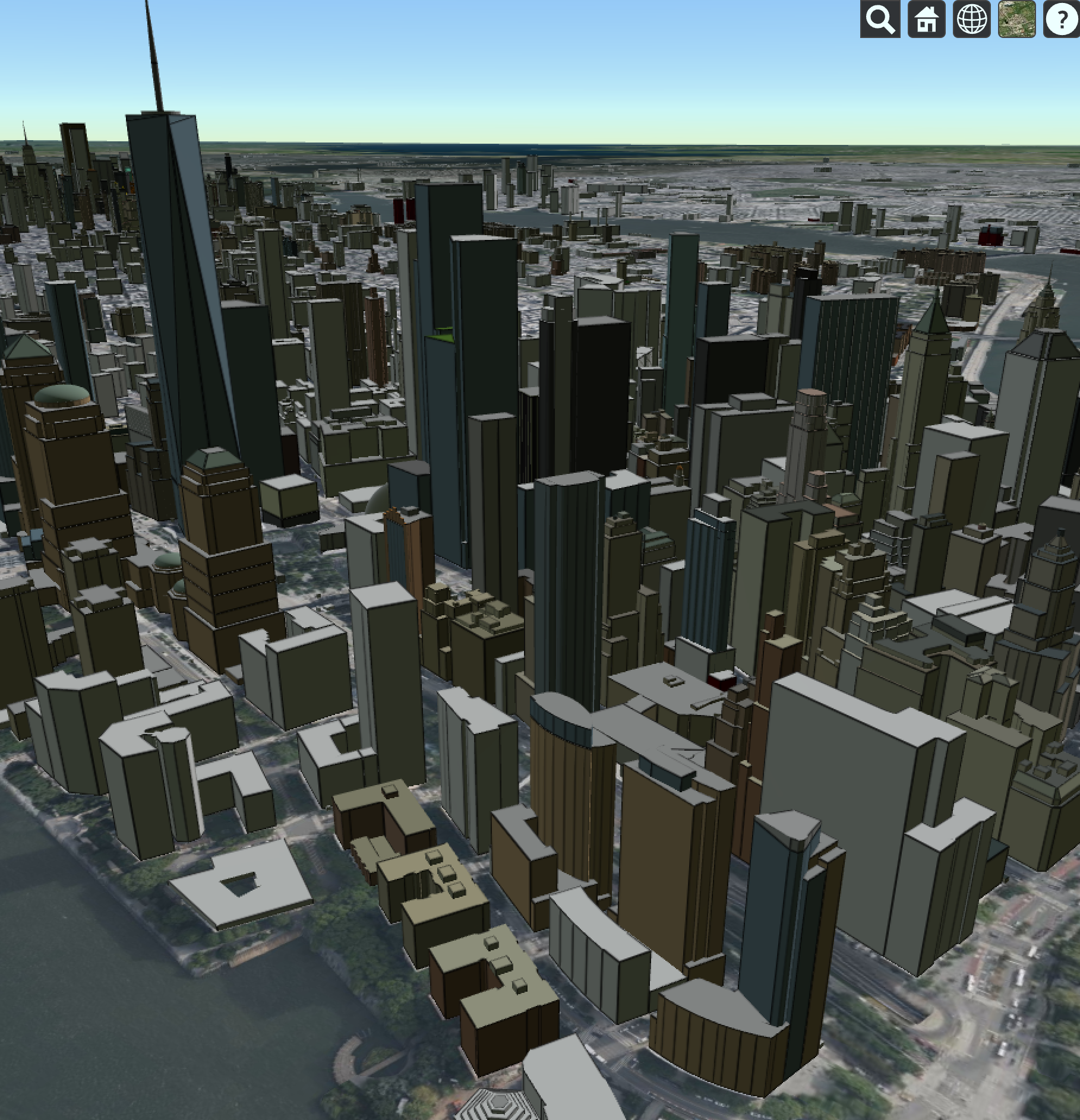
Sandcastle 里专门有一批 3D Tiles 示例:
- Cesium OSM Buildings —— 全球 OpenStreetMap 建筑数据,一行代码加载 https://sandcastle.cesium.com/index.html?src=Cesium%20OSM%20Buildings.html (opens in a new tab)
- 3D Tiles Feature Styling —— 按属性给建筑着色,比如用楼层数控制颜色 https://sandcastle.cesium.com/index.html?src=3D%20Tiles%20Feature%20Styling.html (opens in a new tab)
- 3D Tiles Feature Picking —— 点击建筑读取属性信息 https://sandcastle.cesium.com/index.html?src=3D%20Tiles%20Feature%20Picking.html (opens in a new tab)
- 3D Tiles Clipping Planes —— 用剖切面切开建筑,看内部结构 https://sandcastle.cesium.com/index.html?src=3D%20Tiles%20Clipping%20Planes.html (opens in a new tab)
- 3D Tiles BIM —— 加载 BIM 模型数据 https://sandcastle.cesium.com/index.html?src=3D%20Tiles%20BIM.html (opens in a new tab)
- 3D Tiles Gaussian Splatting —— 最新的高斯泼溅渲染格式,效果非常炸 https://sandcastle.cesium.com/index.html?src=3D%20Tiles%20Gaussian%20Splatting.html (opens in a new tab)
其中 Google Photorealistic 3D Tiles 是最值得看的——真实感超强的全球三维城市,直接用 Google 数据驱动,打开就能飞到任何城市上空俯瞰。 https://sandcastle.cesium.com/index.html?src=Google%20Photorealistic%203D%20Tiles.html (opens in a new tab)
动态数据:CZML
CZML 是 Cesium 的动态数据格式,可以描述随时间变化的实体位置、姿态、样式。
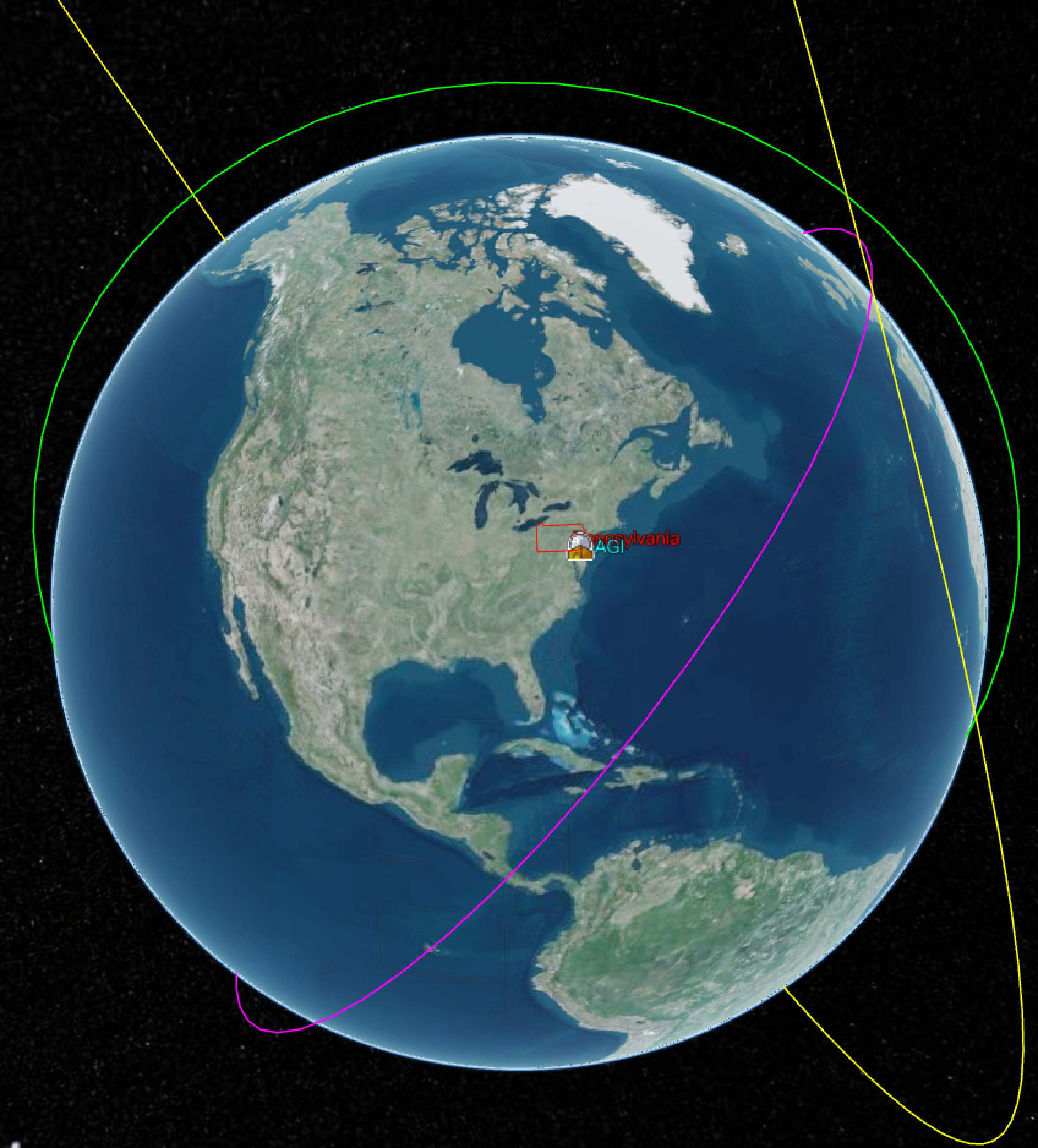
Sandcastle 里有完整的 CZML 示例系列:
- CZML —— 基础示例,卫星轨道动画 https://sandcastle.cesium.com/index.html?src=CZML.html (opens in a new tab)
- CZML Path —— 显示运动轨迹 https://sandcastle.cesium.com/index.html?src=CZML%20Path.html (opens in a new tab)
- CZML Model Articulations —— 控制模型关节动画(比如机械臂) https://sandcastle.cesium.com/index.html?src=CZML%20Model%20Articulations.html (opens in a new tab)
- CZML 3D Tiles —— 动态控制 3D Tiles 样式 https://sandcastle.cesium.com/index.html?src=CZML%203D%20Tiles.html (opens in a new tab)
做轨迹回放、飞行动画,CZML 系列示例可以直接参考。
影像与地形
地图底图和地形数据是 GIS 应用的基础。
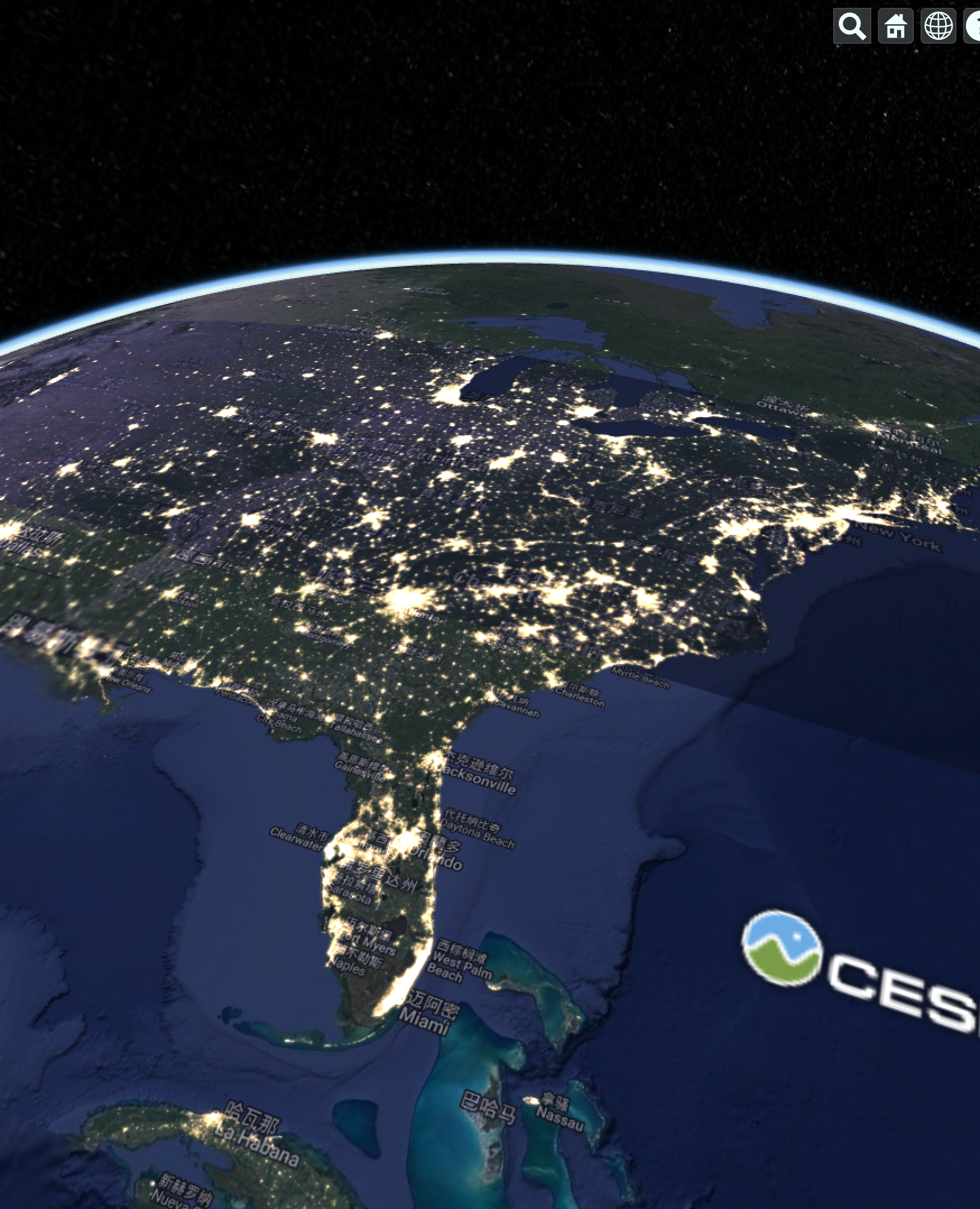
- Imagery Layers —— 加载不同来源的影像底图 https://sandcastle.cesium.com/index.html?src=Imagery%20Layers.html (opens in a new tab)
- Imagery Layers Split —— 左右对比两张影像,常用于变化检测 https://sandcastle.cesium.com/index.html?src=Imagery%20Layers%20Split.html (opens in a new tab)
- Imagery Adjustment —— 调整影像的亮度、对比度、色调 https://sandcastle.cesium.com/index.html?src=Imagery%20Adjustment.html (opens in a new tab)
- Terrain —— 加载全球高程地形 https://sandcastle.cesium.com/index.html?src=Terrain.html (opens in a new tab)
- Terrain Clipping Planes —— 对地形做剖切 https://sandcastle.cesium.com/index.html?src=Terrain%20Clipping%20Planes.html (opens in a new tab)
- ArcGIS MapServer / Web Map Service (WMS) —— 接入标准 GIS 服务 https://sandcastle.cesium.com/index.html?src=ArcGIS%20MapServer.html (opens in a new tab)
几何体与实体
用 Cesium 画点、线、面、体:
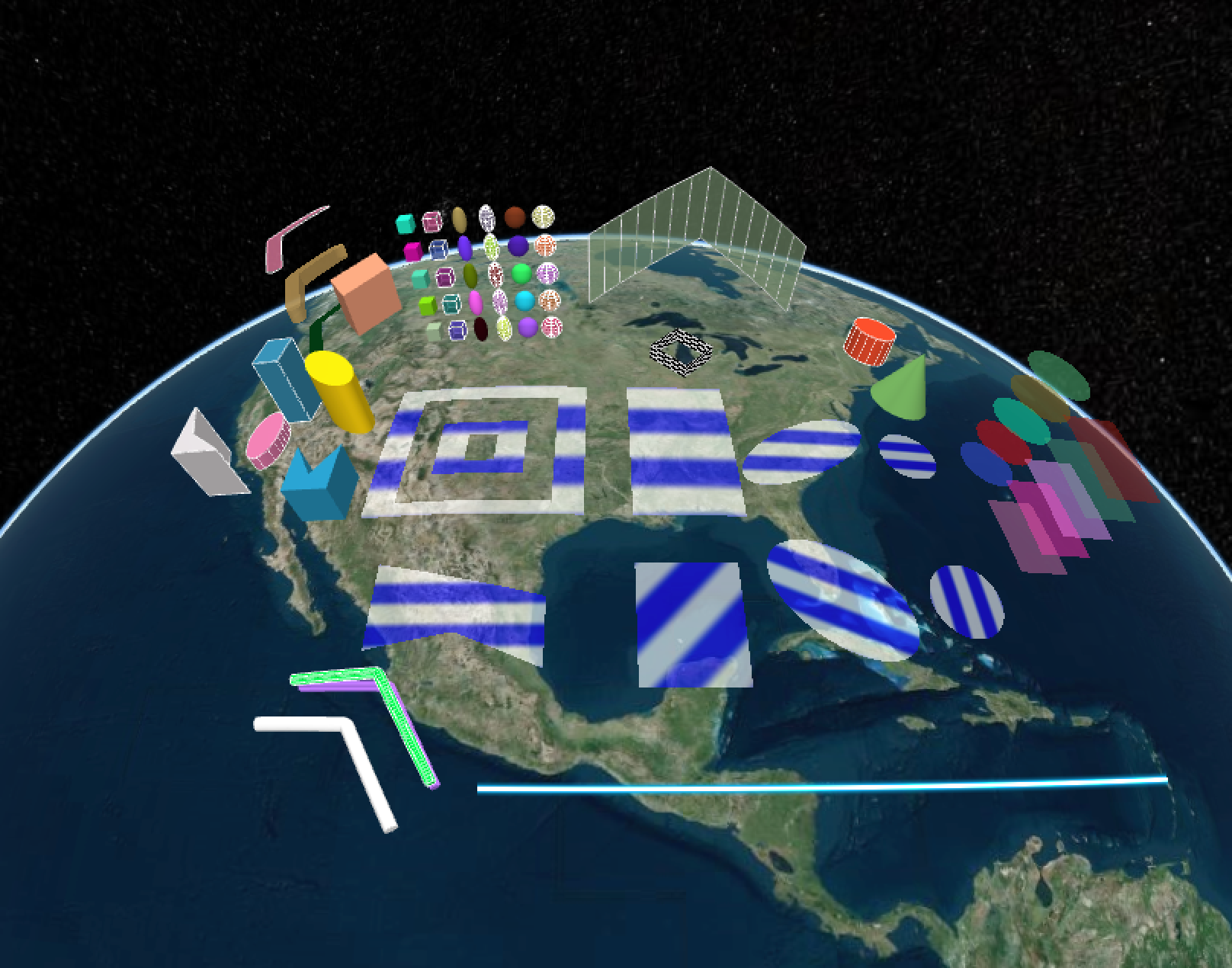
- Geometry and Appearances —— 覆盖所有基础几何类型的大集合 https://sandcastle.cesium.com/index.html?src=Geometry%20and%20Appearances.html (opens in a new tab)
- Polygon / Polyline / Points —— 基础绘制 https://sandcastle.cesium.com/index.html?src=Polygon.html (opens in a new tab)
- Classification —— 在 3D Tiles 或地形上绘制区域,带遮罩效果 https://sandcastle.cesium.com/index.html?src=Classification.html (opens in a new tab)
- Materials —— 各种内置材质:条纹、棋盘格、网格、图片... https://sandcastle.cesium.com/index.html?src=Materials.html (opens in a new tab)
- Physically-Based Materials —— 基于物理的材质,金属感、粗糙度控制 https://sandcastle.cesium.com/index.html?src=Physically-Based%20Materials.html (opens in a new tab)
后处理特效
做出电影感画面靠这几个:
- Bloom —— 泛光,让发光物体更炫 https://sandcastle.cesium.com/index.html?src=Bloom.html (opens in a new tab)
- Ambient Occlusion —— 环境光遮蔽,增加立体感 https://sandcastle.cesium.com/index.html?src=Ambient%20Occlusion.html (opens in a new tab)
- Depth of Field —— 景深,突出焦点物体 https://sandcastle.cesium.com/index.html?src=Depth%20of%20Field.html (opens in a new tab)
- Fog / Fog Post Process —— 雾效 https://sandcastle.cesium.com/index.html?src=Fog.html (opens in a new tab)
- High Dynamic Range —— HDR 渲染 https://sandcastle.cesium.com/index.html?src=High%20Dynamic%20Range.html (opens in a new tab)
粒子特效
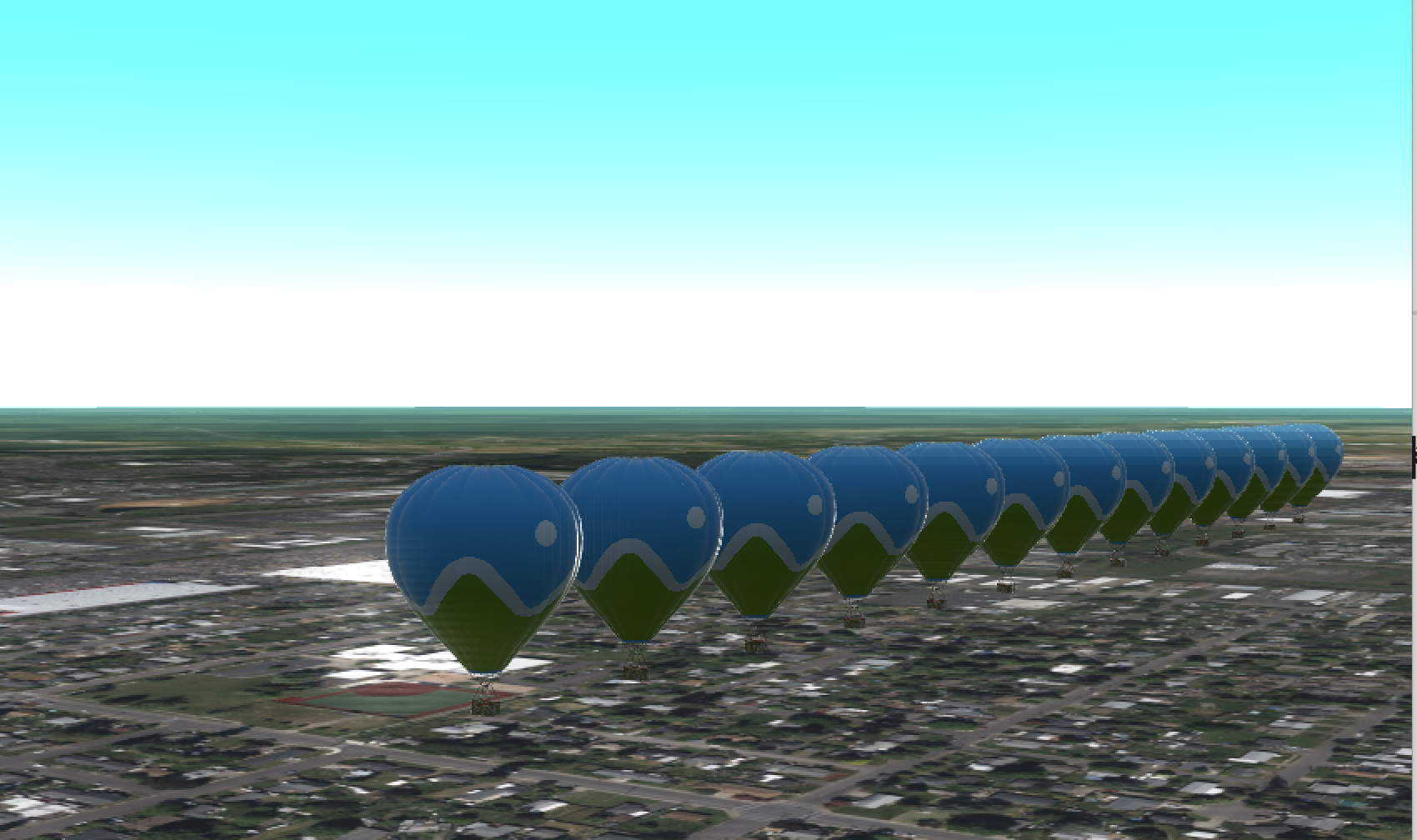
- Particle System —— 基础粒子系统 https://sandcastle.cesium.com/index.html?src=Particle%20System.html (opens in a new tab)
- Particle System Fireworks —— 烟花效果 https://sandcastle.cesium.com/index.html?src=Particle%20System%20Fireworks.html (opens in a new tab)
- Particle System Weather —— 雨雪天气效果 https://sandcastle.cesium.com/index.html?src=Particle%20System%20Weather.html (opens in a new tab)
- Particle System Tails —— 拖尾效果,用于导弹、飞船轨迹 https://sandcastle.cesium.com/index.html?src=Particle%20System%20Tails.html (opens in a new tab)
自定义着色器
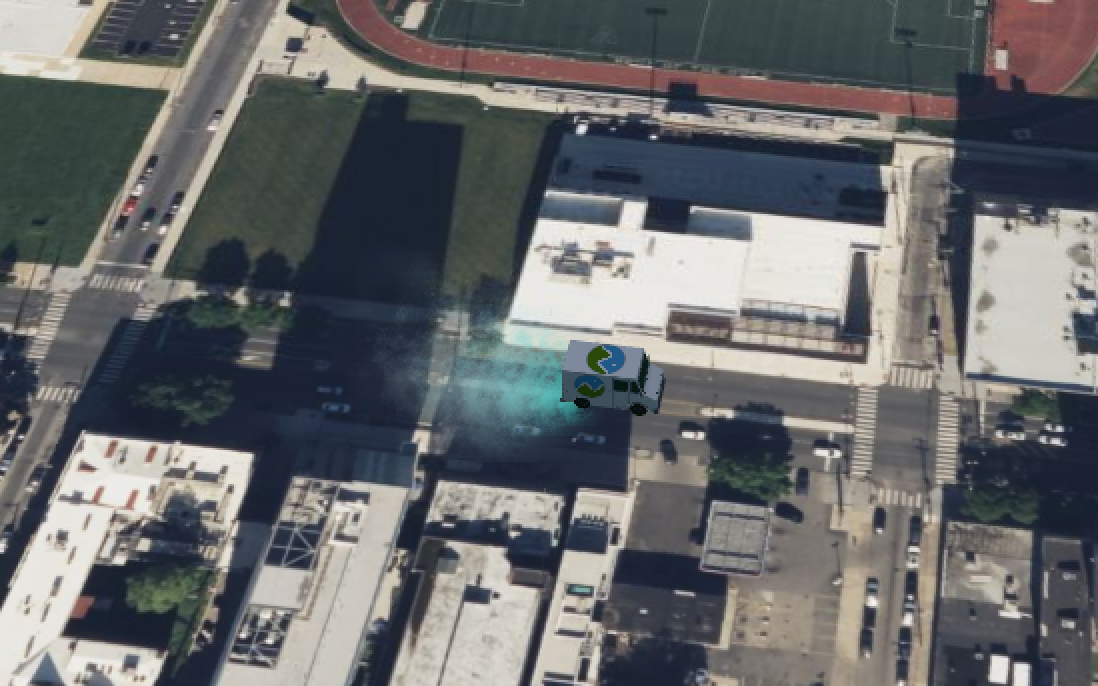 进阶玩法,直接写 GLSL 控制渲染:
- Custom Shaders 3D Tiles —— 给 3D Tiles 写自定义着色器 https://sandcastle.cesium.com/index.html?src=Custom%20Shaders%203D%20Tiles.html (opens in a new tab)
- Custom Shaders Models —— 给 glTF 模型写着色器 https://sandcastle.cesium.com/index.html?src=Custom%20Shaders%20Models.html (opens in a new tab)
- Custom Post Process —— 写全屏后处理 Shader https://sandcastle.cesium.com/index.html?src=Custom%20Post%20Process.html (opens in a new tab)
怎么用好 Sandcastle
1. 把示例当作 API 文档补充
官方 API 文档写的是"有什么",Sandcastle 展示的是"怎么用"。遇到一个不熟悉的功能,先去 Sandcastle 搜同名示例,比翻 API 文档高效很多。
2. 直接改代码做实验
Sandcastle 支持在线编辑。不确定某个参数怎么用,直接在示例代码里改,看效果,比读文档快得多。
3. 用搜索找示例
Sandcastle 左上角有搜索框,输入关键词(比如"terrain"、"clipping"、"particle")可以快速定位相关示例。
4. 看到酷炫效果,先判断瓶颈在哪
Sandcastle 里很多炫的效果,代码其实很简单——真正的工作量在数据上。
比如 Google Photorealistic 3D Tiles、Cesium OSM Buildings、点云示例,背后都是 Cesium ion 平台托管的已处理好的数据。代码就几行,但数据已经被转成了 3D Tiles 格式、做好了空间索引。
所以看到一个心仪的效果时,先问自己:我有这个数据吗?数据格式对吗?
很多时候"功能开发"已经不是问题,真正的工作量是把原始数据(CAD、BIM、倾斜摄影、点云)转换成 Cesium 能吃的格式。Sandcastle 示例验证了实现可行性,接下来要解决的是数据问题,而不是代码问题。
5. 分享代码
写好的代码可以直接生成分享链接,方便跟同事讨论问题或提 Bug 报告。
结语
Cesium 的中文社区资料确实不多,但官方维护的这个示例库质量很高,覆盖全面,代码可以直接运行和参考。
学 Cesium 的路径可以是: Hello World 入门 → 找到自己要做的功能类别 → 看对应的 Sandcastle 示例 → 在示例基础上改
比翻博客效率高多了。
